






1. What Are WordPress Automation Plugins?
If you manage a WordPress website, you know how much time disappears into repetitive tasks – sending welcome emails, enrolling users in courses, syncing data between tools, posting to social media, and managing WooCommerce orders. WordPress automation plugins are tools designed to eliminate this manual labor by creating automated workflows that run in the background while you focus on growing your business.
At their core, these plugins follow a simple logic: when something happens (a trigger), make something else happen automatically (an action). For example:
- When a user purchases a WooCommerce product -> automatically enroll them in a LearnDash course.
- When a new form is submitted -> add the contact to your CRM and send a personalized email sequence.
- When a blog post is published -> automatically share it on LinkedIn, Facebook, and Twitter.
In 2026, these plugins have become significantly more powerful. The best ones now incorporate AI integrations (ChatGPT, Google Gemini, Claude), hundreds of no-code workflow triggers, and deep connections with third-party apps – turning your WordPress site into a fully automated business hub.
2. Why You Need Automation in 2026
The case for automation has never been stronger. Research consistently shows that over 50% of repetitive work tasks can be automated today – and WordPress site owners are leaving enormous amounts of time and money on the table by not taking advantage of this.
Here is what automation can do for your WordPress site right now:
- Save hours every week: Manual tasks like email follow-ups, data entry, and content scheduling can consume 10-20 hours per week for busy site owners. Automation reclaims that time.
- Reduce human error: Forgetting a backup, a missed email, or an incorrectly tagged user are all expensive mistakes that automation eliminates entirely.
- Scale without hiring: Automation lets a solo operator or small team handle the workload of a much larger organization by running complex processes on autopilot.
- Improve the user experience: Timely, personalized, trigger-based communications feel far more professional than manually sent messages.
- Unlock revenue on autopilot: Cart abandonment emails, upsell sequences, and membership renewal reminders can generate significant revenue with zero manual effort after initial setup.
| Pro Tip: Even a single well-configured automation – like a post-purchase email sequence – can recoup the entire annual cost of a premium automation plugin within weeks. |
3. How We Evaluated These Plugins
With over 60,000 plugins available in the WordPress ecosystem, choosing the right automation plugin can be overwhelming. We applied a strict evaluation framework to arrive at our shortlist:
- Can a non-developer set up automations without writing code? We tested each plugin’s onboarding, interface, and documentation. (Ease of Use)
- How many WordPress plugins, SaaS tools, and external apps does it connect with natively? (Integration Depth)
- Does the automation run consistently without errors or manual intervention? (Reliability)
- In 2026, the best plugins offer deep AI integrations. We rewarded plugins that natively connect to OpenAI, Gemini, and Claude. (AI Capabilities)
- We evaluated the free tier quality and the value provided by paid plans relative to competitors. (Pricing & Value)
- Active support, comprehensive documentation, and an engaged user community are all positive signals. (Support & Community)
4. Best WordPress Automation Plugins (Detailed Reviews)
Below are our in-depth reviews of the 8 best WordPress automation plugins available in 2026, covering what they do best, their pricing, and who they are ideal for.
4.1 Uncanny Automator – Best All-Round Automation Plugin
| Uncanny Automator | |
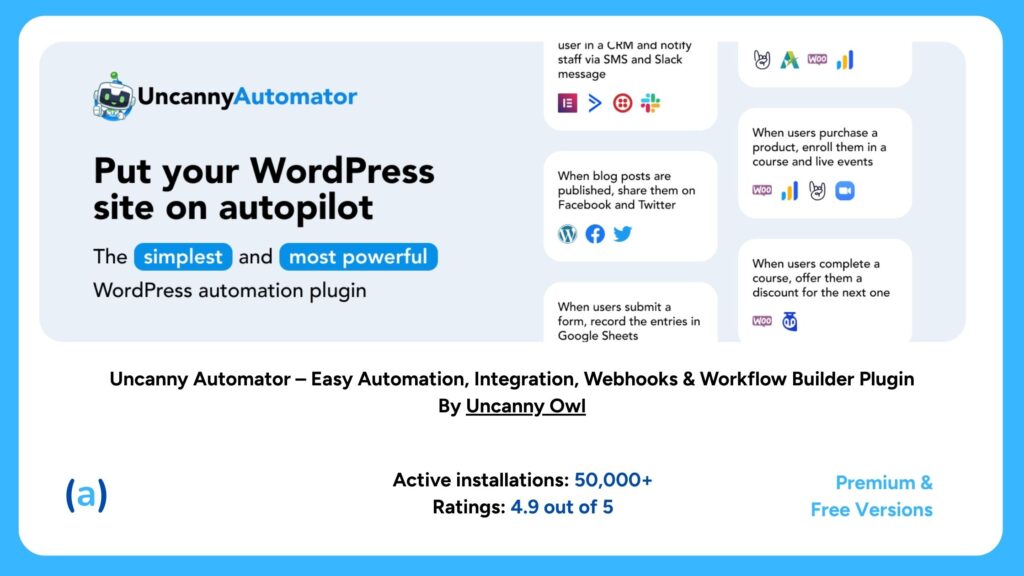
| Rating – 4.9* / 5 | Most popular automation plugin on WordPress.org |
| Pricing | Free version available | Pro from $149/year |
| Best For | WordPress site owners, course creators, eCommerce stores, membership sites |
| Key Features | 210+ plugin integrations and growing9,000+ dynamic tokens/variables for full data personalizationVisual recipe builder – no coding requiredAI integrations: OpenAI (ChatGPT), Google Gemini, PerplexityAdvanced conditions, delays, scheduling, and loopsConnects to Slack, Google Sheets, Zoom, Mailchimp, and moreUnlimited recipe runs on the free plan14-day money-back guarantee on Pro |
Uncanny Automator is the undisputed king of WordPress automation. Think of it as the central nervous system of your site – it allows every plugin you already use to communicate with every other plugin, plus hundreds of external services, all without writing a single line of code.
The plugin uses a recipe-based system. A recipe has a trigger (something that starts the automation) and one or more actions (what happens automatically next). You can chain as many actions as you need. For instance: when a WooCommerce order is completed -> enroll the customer in a LearnDash course -> send them a custom welcome email via Mailchimp -> add them to a Slack channel for paying members -> log the event in Google Sheets.
In 2026, Uncanny Automator’s AI integrations have become a major differentiator. You can now use AI directly inside recipes to perform sentiment analysis on form submissions, generate personalized content, or classify leads automatically – all without leaving your WordPress dashboard.
| Our Verdict: If you only install one automation plugin, make it Uncanny Automator. Its combination of depth, reliability, and ease of use is unmatched. |
4.2 FlowMattic – Best for AI-Powered & MCP Workflows
| FlowMattic | |
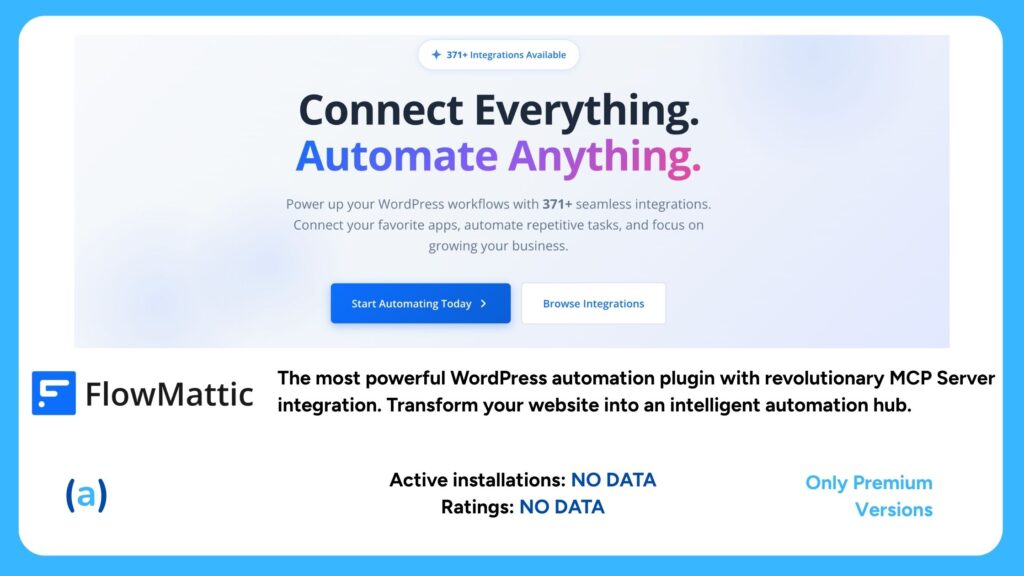
| Rating – 4.8 / 5* | Rapidly growing, loved for its MCP Server integration |
| Pricing | Free trial available | Pro from $69/year |
| Best For | AI-forward users, agencies, developers, and advanced WordPress users |
| Key Features | 371+ integrations including WordPress plugins and SaaS appsWorld’s first WordPress plugin with MCP (Model Context Protocol) ServerWorks natively with Claude, ChatGPT, and any MCP-compatible AI assistantUnlimited workflow executions – no task limitsDrag-and-drop visual workflow builder256-bit SSL encryption, GDPR-compliant, data processed locallyRouters, conditions, loops, delays, JSON/CSV parsers14-day free trial – no credit card required |
FlowMattic has emerged as one of the most exciting automation tools for WordPress power users in 2026. Its standout feature is being the world’s first WordPress plugin with full Model Context Protocol (MCP) Server integration – meaning you can use AI assistants like Claude or ChatGPT as active participants in your automation workflows.
This opens up genuinely transformative use cases: generate and publish SEO-optimized blog content automatically, have AI analyze incoming form submissions and route them intelligently, or create event registrations with AI-driven follow-up sequences. FlowMattic also scores points for privacy-focused architecture – all workflow data is processed on your own server with no external logging.
| Our Verdict: If you want to harness AI automation inside WordPress in 2026, FlowMattic is the most forward-thinking choice available. |
4.3 AutomatorWP – Best Budget-Friendly Option
| AutomatorWP | |
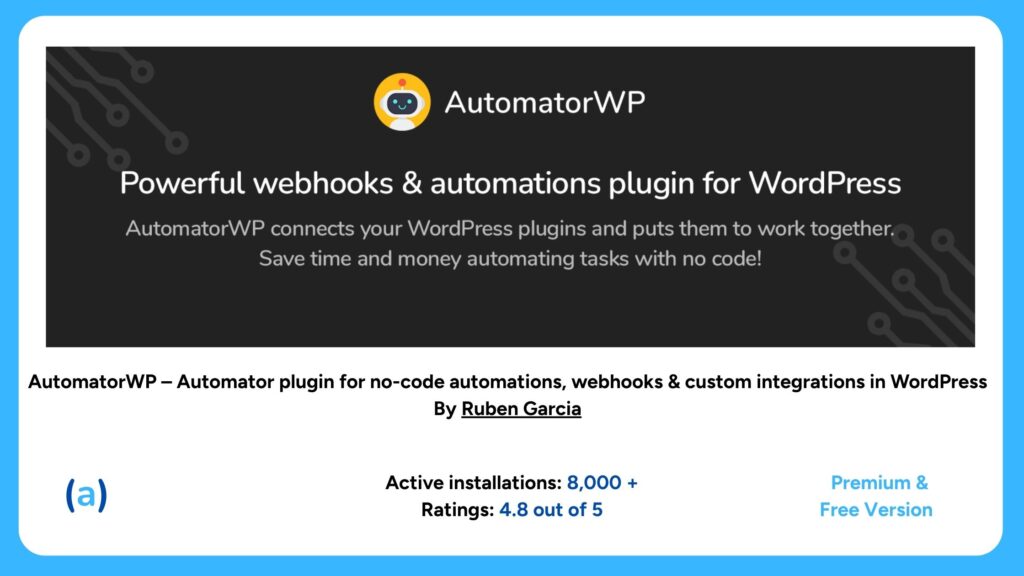
| Rating – 4.8 / 5* | Trusted by thousands, praised for its integrations |
| Pricing | Free version available | Pro from $59/year |
| Best For | Budget-conscious site owners, developers, small businesses |
| Key Features | 40+ native integrations in the free versionCompatible with Make.com and n8n for extended automationSimple trigger/action interface similar to ZapierWebhook support for connecting virtually any external toolUser-centric automations (enroll, tag, reward users)Multisite compatibleOpen-source friendly philosophyActive community support |
AutomatorWP delivers strong automation capabilities at a price point that undercuts most competitors. Its interface is clean and approachable, and the free version includes a generous set of integrations that cover most common WordPress automation needs. Where AutomatorWP really shines is its compatibility with external orchestration tools like Make.com and n8n – making it a fantastic backend engine for developers who want to build more complex workflows.
| Our Verdict: AutomatorWP is the best value-for-money automation plugin for WordPress. Ideal for users who don’t need the full power of Uncanny Automator but want a reliable, capable solution. |
4.4 WP Fusion – Best for CRM & Marketing Automation
| WP Fusion | |
| Rating – 5 / 5* | The go-to plugin for CRM integration |
| Pricing | Personal plan from $247/year |
| Best For | Marketers, course creators, membership sites, businesses with a CRM |
| Key Features | Connects with 65+ CRMs including HubSpot, ActiveCampaign, Salesforce, MailchimpSyncs user activity (purchases, course progress, logins) to your CRM in real-timeRestrict content based on CRM tagsTrigger email sequences from WordPress eventsE-commerce integrations with WooCommerce and Easy Digital DownloadsLearnDash, LifterLMS, MemberPress, and moreTagging engine for precise audience segmentationWorks with virtually every major WordPress plugin |
WP Fusion is the specialist in the list – purpose-built to bridge the gap between your WordPress site and your CRM. While other automation plugins are generalists, WP Fusion excels at one thing: making sure your CRM always knows exactly what every user on your site is doing. When someone buys a product, completes a course module, visits a specific page, or logs in, WP Fusion immediately syncs that activity to your CRM and can trigger any downstream automation you have configured there.
This is invaluable for businesses with serious marketing funnels. You can restrict premium content using CRM tags, automatically segment your audience by behavior, and trigger hyper-personalized email sequences without any manual intervention.
| Our Verdict: If your business runs on a CRM and you want WordPress and your marketing stack to work in perfect harmony, WP Fusion is worth every penny. |
4.5 Zapier for WordPress – Best for Cross-App Automation
| Zapier for WordPress | |
| Rating – 2.3 / 5* | The bridge to 5,000+ apps |
| Pricing | Free plan available | Zapier paid plans from $19.99/month |
| Best For | Users who need to connect WordPress to non-WordPress apps |
| Key Features | Connects WordPress to 5,000+ external appsSend WordPress data (form submissions, new posts, new users) to any appReceive data from any app and trigger WordPress actionsNo-code setup – straightforward trigger and action builderSupports WooCommerce, Gravity Forms, WPForms, and moreFree tier includes basic ZapsLarge library of pre-built Zap templatesBacked by the most established automation platform |
Zapier needs no introduction in the automation world. The WordPress plugin serves as a bridge between your site and Zapier’s ecosystem of 5,000+ app integrations. If you need WordPress to talk to a niche tool that no dedicated WordPress plugin supports – like a specialized project management app, a CRM, a payment processor, or a custom internal system – Zapier is often the fastest solution.
The trade-off is cost at scale. Zapier’s pricing is based on the number of tasks executed per month, which can get expensive for high-volume automations. For purely WordPress-to-WordPress automation, Uncanny Automator or AutomatorWP will typically offer more value. But for cross-platform workflows, Zapier remains the gold standard.
| Our Verdict: Zapier is the best choice when you need WordPress to integrate with an obscure or highly specialized external app. For everything else, a native WordPress automation plugin will cost less. |
4.6 OttoKit (SureTriggers) – Best Affordable All-Rounder
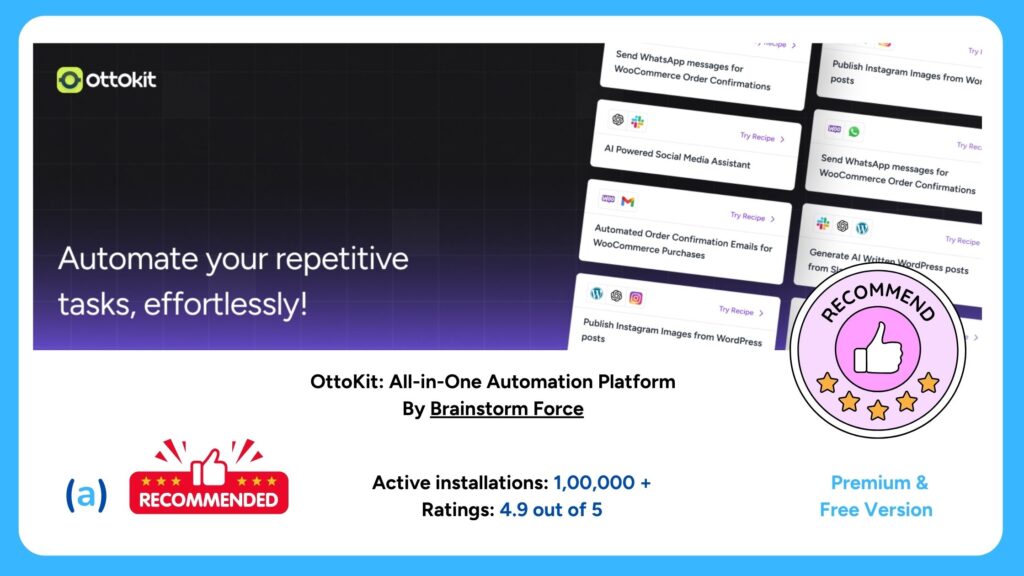
| OttoKit (formerly SureTriggers) | |
| Rating – 4.9 / 5* | Rising star with outstanding value |
| Pricing | Free plan available | Pro from $9/month |
| Best For | Beginners, small businesses, WooCommerce stores on a tight budget |
| Key Features | 400+ app and plugin integrationsVisual drag-and-drop workflow builderDeep WooCommerce, WPForms, Elementor, and LearnDash integrationsConditional logic and multi-step workflowsEmail, Slack, Google Sheets connections built-inBeginner-friendly interfaceGenerous free tierRapidly expanding integration library |
OttoKit (rebranded from SureTriggers) has quickly become a favourite among WordPress site owners who want a capable, modern automation solution without the premium price tag. At just $9/month for the paid plan, it punches well above its weight, offering over 400 integrations and a clean workflow builder that rivals more expensive competitors.
It is particularly well-suited to WooCommerce store owners and membership site operators who want to automate customer journeys without spending hundreds of dollars per year. The free plan is genuinely useful, covering the most common automation use cases for small sites.
| Our Verdict: OttoKit is the best choice for budget-conscious site owners who want modern automation capabilities without the premium price. Exceptional value in 2026. |
4.7 Bit Flows – Best Self-Hosted Zapier Alternative
| Bit Flows | |
| Rating | Best for data privacy and unlimited executions |
| Pricing | Free version available | Pro from $119/year | Lifetime from $199 |
| Best For | Privacy-focused businesses, developers, agencies, data-heavy workflows |
| Key Features | 210+ integrations including major CRMs, email tools, AI platformsSelf-hosted: all data stays on your WordPress serverUnlimited flows, steps, tasks, and connections on all plansAI action support: ChatGPT, Gemini, Claude integrationsVisual drag-and-drop canvas workflow builderRouter, iterator (loops), delay/schedule toolsJSON and CSV parsing, advanced field mappingExecution logs, re-run failed tasks, failure email notificationsIncoming and outgoing webhooks, custom API support |
Bit Flows positions itself as the self-hosted alternative to Zapier and Make.com – and it delivers on that promise compellingly. Unlike cloud-based automation tools that process your data on external servers and charge per task execution, Bit Flows runs entirely within your WordPress installation. Your data never leaves your server, and you can run unlimited automations with no overage fees.
The plugin’s AI integrations are a genuine highlight. You can embed AI steps (content generation, summarization, classification, image generation) directly inside workflows – powered by OpenAI, Gemini, or Claude. This is ideal for content-heavy businesses that want to automate AI-assisted content creation pipelines entirely within WordPress.
| Our Verdict: Bit Flows is the best option for privacy-conscious users who want unlimited automation without paying per task. The lifetime plan represents exceptional long-term value. |
4.8 FluentCRM – Best for Email Marketing Automation
| FluentCRM | |
| Rating – 4.8 / 5* | Best self-hosted email marketing CRM for WordPress |
| Pricing | Free version available | Pro from $129/year |
| Best For | Email marketers, bloggers, WooCommerce stores, course creators |
| Key Features | Self-hosted CRM and email marketing platform inside WordPressVisual automation builder for drip campaigns and sequencesDeep integrations with WooCommerce, LearnDash, MemberPressAdvanced segmentation by tags, lists, and custom fieldsA/B testing for email campaignsBehavioral triggers (purchase, course completion, login, etc.)Unlimited contacts on all plansNo per-email sending fee (use your own SMTP or Amazon SES) |
FluentCRM is a category of its own – it is both a CRM and an email marketing automation platform, running entirely inside your WordPress installation. If your primary automation goal is building and nurturing an email list, running drip sequences, and segmenting your audience based on behavior, FluentCRM is the most cost-effective way to do it.
Because it is self-hosted, you own all your subscriber data and pay no per-email fees beyond your SMTP provider costs. For businesses with large email lists that would otherwise pay hundreds of dollars per month to Mailchimp, ActiveCampaign, or ConvertKit, FluentCRM can generate substantial savings while offering comparable automation power.
| Our Verdict: For businesses where email marketing automation is the primary goal, FluentCRM offers unbeatable value as a self-hosted, WordPress-native solution. |
5. Quick Comparison Table
Use this table to compare all reviewed plugins at a glance and identify which one fits your needs and budget:
| Plugin | Free Plan | Starting Price | Integrations | Best For |
| Uncanny Automator | Yes | $149/yr | 210+ | All-round WordPress automation |
| FlowMattic | Yes | $69/yr | 371+ | AI-powered & MCP workflows |
| AutomatorWP | Yes | $59/yr | 40+ | Budget-friendly automation |
| WP Fusion | No | $247/yr | 165+ | CRM & marketing automation |
| Zapier for WP | Yes | From $19.99/mo | 5,000+ | Cross-app automation |
| OttoKit (SureTriggers) | Yes | $9/mo | 400+ | Affordable all-rounder |
| Bit Flows | Yes | $119/yr | 210+ | Self-hosted Zapier alternative |
| FluentCRM | Yes | $129/yr | Extensive | Email marketing automation |
Note: Pricing and features are accurate as of February 2026. Always check the vendor’s website for the latest plans.
6. How to Choose the Right Plugin for Your Site
With eight strong options, the right choice depends entirely on your specific goals. Here is a decision framework to help you narrow it down:
Choose Uncanny Automator if:
- You want the most comprehensive, reliable, and widely supported automation plugin.
- Your site uses many different WordPress plugins and you need them to work together.
- You run courses, memberships, or an eCommerce store with complex user journeys.
Choose FlowMattic if:
- You want to incorporate AI (especially Claude or ChatGPT) into your automated workflows.
- You are a developer or agency building sophisticated automation pipelines.
- Data privacy and local processing are important to you.
Choose WP Fusion if:
- Your business is CRM-centric and you need perfect sync between WordPress and your marketing stack.
- You rely heavily on email segmentation and behavior-based marketing campaigns.
Choose OttoKit if:
- You are on a tight budget but need a capable, modern automation solution.
- You run a WooCommerce store or membership site with straightforward automation needs.
Choose Bit Flows if:
- Data privacy is non-negotiable and you want your automation data to stay on your server.
- You need unlimited workflow executions without paying per task.
- You want a Zapier-like experience but self-hosted.
Choose Zapier for WordPress if:
- You need WordPress to talk to a niche external tool not supported by WordPress-native plugins.
- You already have an active Zapier subscription.
Choose FluentCRM if:
- Email marketing automation is your primary goal.
- You want to eliminate monthly SaaS email platform fees with a self-hosted CRM.
7. Common WordPress Automation Use Cases
Still wondering how automation applies to your specific site? Here are the most impactful automation use cases across different WordPress site types:
eCommerce (WooCommerce)
- Automatically send an abandoned cart recovery email 1 hour after a cart is abandoned.
- Enroll a customer in a post-purchase email onboarding sequence after their first order.
- Tag VIP customers in your CRM when they exceed a certain lifetime spend threshold.
- Automatically notify your team in Slack when a high-value order is placed.
- Create a review request email 7 days after an order is fulfilled.
Online Courses & Membership Sites
- Enroll a student in a course automatically when they complete a checkout form.
- Send a congratulations email and award a badge when a course is completed.
- Drip-release course content on a weekly schedule after enrollment.
- Send a renewal reminder 30 days before a membership expires.
- Automatically remove access when a subscription is cancelled.
Blogs & Content Sites
- Auto-share new blog posts to all social media channels the moment they are published.
- Send new post notifications to your email subscribers automatically.
- Tag readers in your CRM based on which content categories they read most.
- Generate an AI-written social media caption for each new post using FlowMattic or Bit Flows.
Lead Generation & Marketing
- Add a new form submission directly to your CRM as a tagged contact.
- Trigger a welcome email sequence the moment someone subscribes.
- Route form inquiries to the right team member based on their responses.
- Log every lead into a Google Sheet for tracking and analysis.
8. How to Set Up Your First Automation Workflow
Here is a step-by-step walkthrough for setting up a basic but powerful automation using Uncanny Automator – the most beginner-friendly option. This example will automatically enroll a new WooCommerce customer into a LearnDash course after purchase.
Step 1: Install Uncanny Automator
Go to WordPress Dashboard > Plugins > Add New. Search for Uncanny Automator and click Install Now, then Activate. The free version is sufficient for this workflow.
Step 2: Create a New Recipe
Navigate to Automator > Add New in your WordPress admin sidebar. Choose Logged-in users as the recipe type (since WooCommerce customers have accounts) and give your recipe a name like Post-Purchase Course Enrollment.
Step 3: Set the Trigger
Click Add Trigger and select WooCommerce from the integration list. Choose A user completes, pays for, or lands on a thank-you page for an order with a product. Select the specific product you want to trigger the enrollment. Click Save.
Step 4: Set the Action
Click Add Action and choose LearnDash from the list. Select Enroll the user in a course, then choose the course you want to enroll them in. Click Save.
Step 5: Activate the Recipe
Toggle the recipe from Draft to Live using the status switch in the top right corner. Your automation is now active. Every time a customer purchases that product, they will be automatically enrolled in the corresponding course – no manual work required.
| Quick Win: Add a second action to this same recipe – send a custom welcome email via your email plugin. Now customers get instant access and a warm welcome, all on autopilot. |
9. Frequently Asked Questions
Q: Will an automation plugin slow down my WordPress site?
A: The impact on site performance is minimal if the plugin is well-coded. Uncanny Automator, Bit Flows, and FlowMattic are all designed with background processing and queuing to ensure automation runs do not block page load. As with any plugin, avoid running excessively complex automations on shared hosting – a VPS or managed WordPress host is recommended for high-volume workflows.
Q: Do I need coding skills to use these plugins?
A: No. All the plugins reviewed here are explicitly designed for non-developers. They use visual drag-and-drop interfaces, plain-English trigger/action descriptions, and pre-built templates. That said, advanced users can extend them with custom code hooks or webhooks if needed.
Q: Can I use multiple automation plugins at once?
A: Yes, but it is generally better to standardize on one or two. Overlapping automation plugins can sometimes conflict or create duplicate actions. A common combination is Uncanny Automator (for intra-WordPress workflows) plus Zapier or Bit Flows (for connecting to external apps).
Q: What is the difference between WordPress automation plugins and email marketing tools like Mailchimp?
A: Email marketing tools like Mailchimp focus on sending emails and managing lists. WordPress automation plugins are broader – they orchestrate actions across your entire site (enrollments, user tags, social sharing, CRM syncs, data logging, and much more). Many automation plugins include email functionality or connect directly to your email marketing tool as part of a larger workflow.
Q: Are these plugins GDPR compliant?
A: Most plugins reviewed here offer GDPR-friendly features, such as data processing agreements, opt-in controls, and the ability to delete user data. Self-hosted solutions like Bit Flows and FluentCRM give you the most control since your data never leaves your own server. Always review the privacy policy and DPA of any tool you use.
Q: Is Zapier better than using a native WordPress automation plugin?
A: It depends on the use case. Zapier is unbeatable for connecting WordPress to thousands of external apps – especially niche tools without native WordPress integrations. For connecting WordPress plugins to each other (e.g., WooCommerce to LearnDash), a native plugin like Uncanny Automator is faster, cheaper, and more reliable since it does not depend on external API calls.
10. Final Verdict
WordPress automation plugins have matured into essential infrastructure for any serious WordPress-powered business. Whether you run an online store, a course platform, a membership site, or a content blog, there is a plugin on this list that will save you hours every week and unlock growth you simply cannot achieve manually.
Here is our final summary recommendation by use case:
- Uncanny Automator – unmatched depth, reliability, and integrations.Best Overall:
- FlowMattic – the most forward-thinking plugin for 2026.Best for AI Workflows:
- OttoKit – incredible features at just $9/month.Best Value:
- WP Fusion – perfect WordPress-to-CRM synchronization.Best for CRM Users:
- Bit Flows – unlimited executions, your data stays on your server.Best Self-Hosted:
- FluentCRM – eliminate SaaS email fees with a self-hosted CRM.Best for Email:
- AutomatorWP – capable and affordable.Best Budget Option:
- Zapier – when you need to connect to the outside world.Best for External Apps:
Start with the free version of your chosen plugin, build your first workflow, and experience firsthand how much time automation frees up. Once you see the results, you will wonder how you ever managed your site without it.
